Why are my new backlinks not indexed by Google?
Google does not index every page it finds. It decides what to crawl, and then whether the page is worth keeping in its index. A brand-new guest post on a small blog, a profile page or a directory listing is exactly the kind of page Google may visit late, or never.
The common reasons, from most to least frequent in our own link checks:
An unindexed page passes nothing. Before you count a link as "built", check that its page can be indexed and is actually in Google.
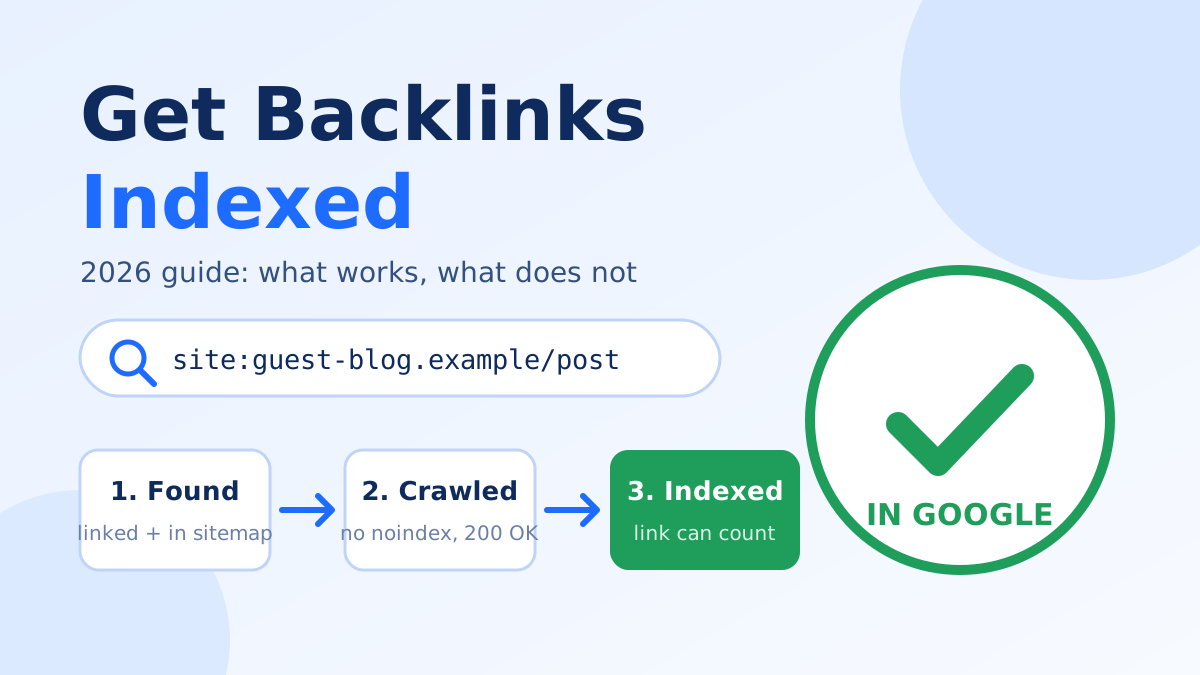
- Google has not found the page yet. Nothing on the host site links to it, so there is no path for the crawler.
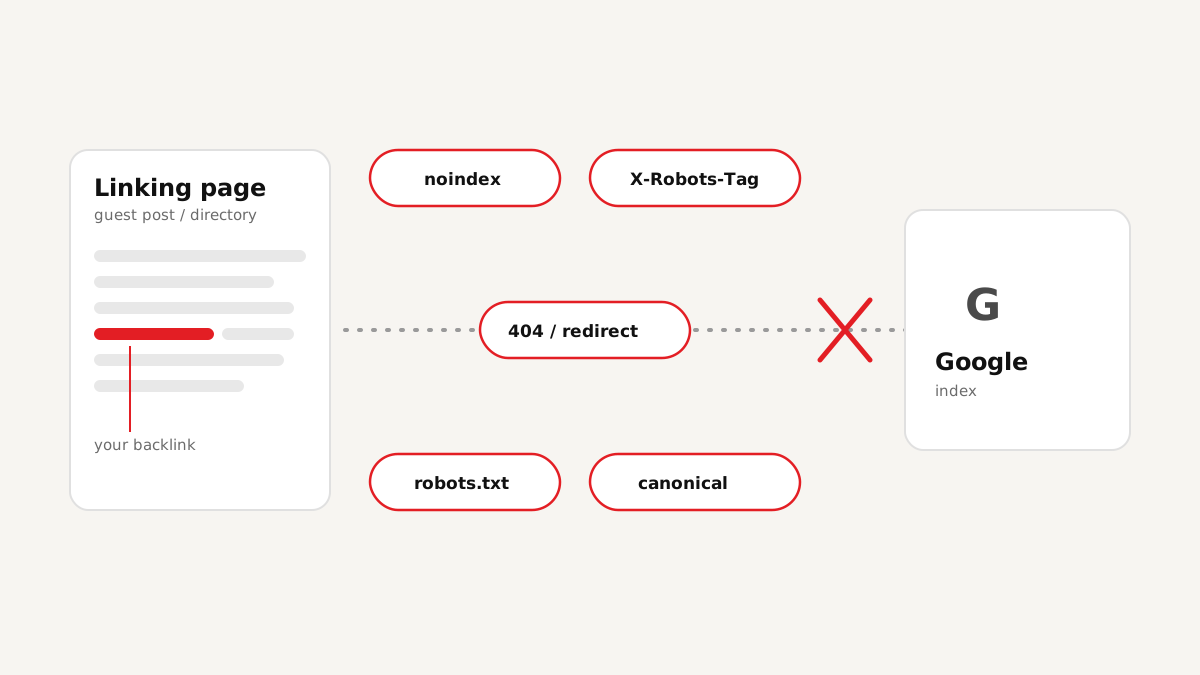
- The page tells Google not to index it: a noindex tag, an X-Robots-Tag header, a robots.txt block or a canonical pointing elsewhere. Our guide on why backlinks are not indexed explains each blocker.
- The page is thin or duplicated: a profile with one line of text and a link, or a copy of a page that exists elsewhere.
- The site itself is low quality in Google's eyes, so it crawls it rarely and indexes only a few of its pages.
Can I request indexing for a backlink in Google Search Console?
Only if you own the website the link is on. Search Console's URL Inspection tool and its "Request indexing" button work for properties you have verified. For a guest post or a profile on someone else's website, you cannot request indexing there.
Google's Indexing API is also not a shortcut: Google officially supports it only for job posting and livestream pages. For everything else, Google expects to find pages the normal way, through links and sitemaps.
| Method | Works for pages on other sites? | Notes |
|---|---|---|
| Search Console "Request indexing" | No | Only for sites you have verified |
| Google Indexing API | No (officially) | Job posting and livestream pages only |
| Host site links to the page | Yes | The strongest signal; ask the site owner for an internal link |
| Host site's XML sitemap | Yes | Most CMS sites add new posts automatically |
| IndexNow | Not for Google | Supported by Bing and others, not Google |
| Indexing services | Yes, as a nudge | Only for pages that are indexable; no service can force Google |
Step 1: Check the link page is indexable before anything else
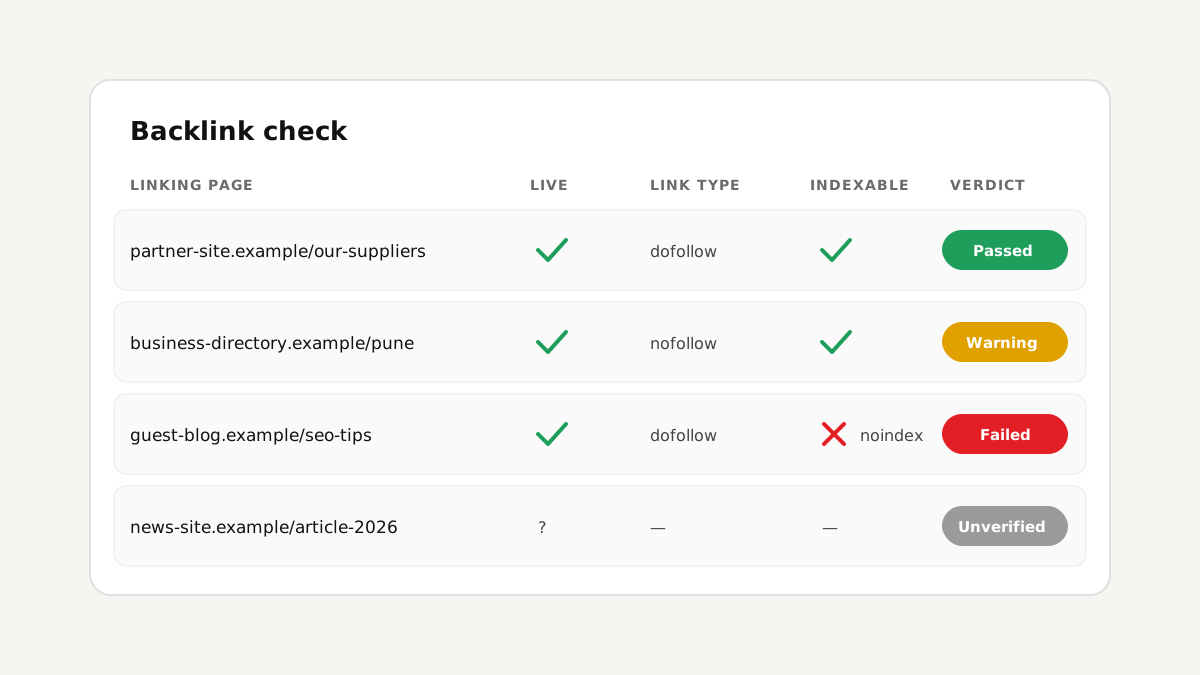
Sending a blocked page for indexing wastes time and money. For every linking page, confirm:
- The page returns HTTP 200 (not 404, not a redirect chain).
- There is no noindex in the robots meta tag or the X-Robots-Tag header.
- robots.txt does not block the URL.
- The canonical points to the page itself, not to another URL.
- Your link is still on the page, with the type you expected (see dofollow vs nofollow).
Step 2: Check which link pages are already in Google
Pages that are already indexed need nothing. The quickest manual test is a site: search for the exact URL in Google; if the page shows up, it is indexed. For a long list this is slow, which is why our backlink checker runs the Google index check for the found links in the same scan (Pro).
Also skip links that come from your Search Console links report. Google listed them there, so it already knows those pages.
Step 3: Help Google discover the new, indexable pages
Now focus only on the pages that are indexable but not yet in Google:
No method can force Google to index a page. Indexable, useful pages that are easy to discover get indexed; blocked or empty pages do not, whatever you send.
- Ask the host site for an internal link to the post from a category page, a related article or its homepage. This is the most natural discovery path.
- Make sure the post is in the host site's sitemap. Most WordPress sites do this automatically; static sites often forget.
- Share the page where people really read, such as your social profiles or newsletter. Real visits and links from crawled pages help discovery.
- Use an indexing service as a nudge for the remaining pages. In our tool (Pro) you send only the new, indexable link pages and follow the report; a link is never sent twice.
Step 4: Re-check after two to four weeks
Indexing is not instant. Re-check the same list after two to four weeks. Pages still not indexed after a month usually have a quality problem: thin content, a weak site, or a page buried deep with no links to it. Consider replacing those links instead of pushing them again.
This check-then-send-then-recheck loop is the indexing part of our smart link building workflow.
FAQ
Conclusion
Getting backlinks indexed is less about tricks and more about order: check the page is indexable, skip what Google already has, help Google discover the rest, and re-check later. Do that and you stop paying to "index" links that were never going to count.
Related: if you buy links, read 7 checks before you pay for a link building package.