What happened in the College Board hack?
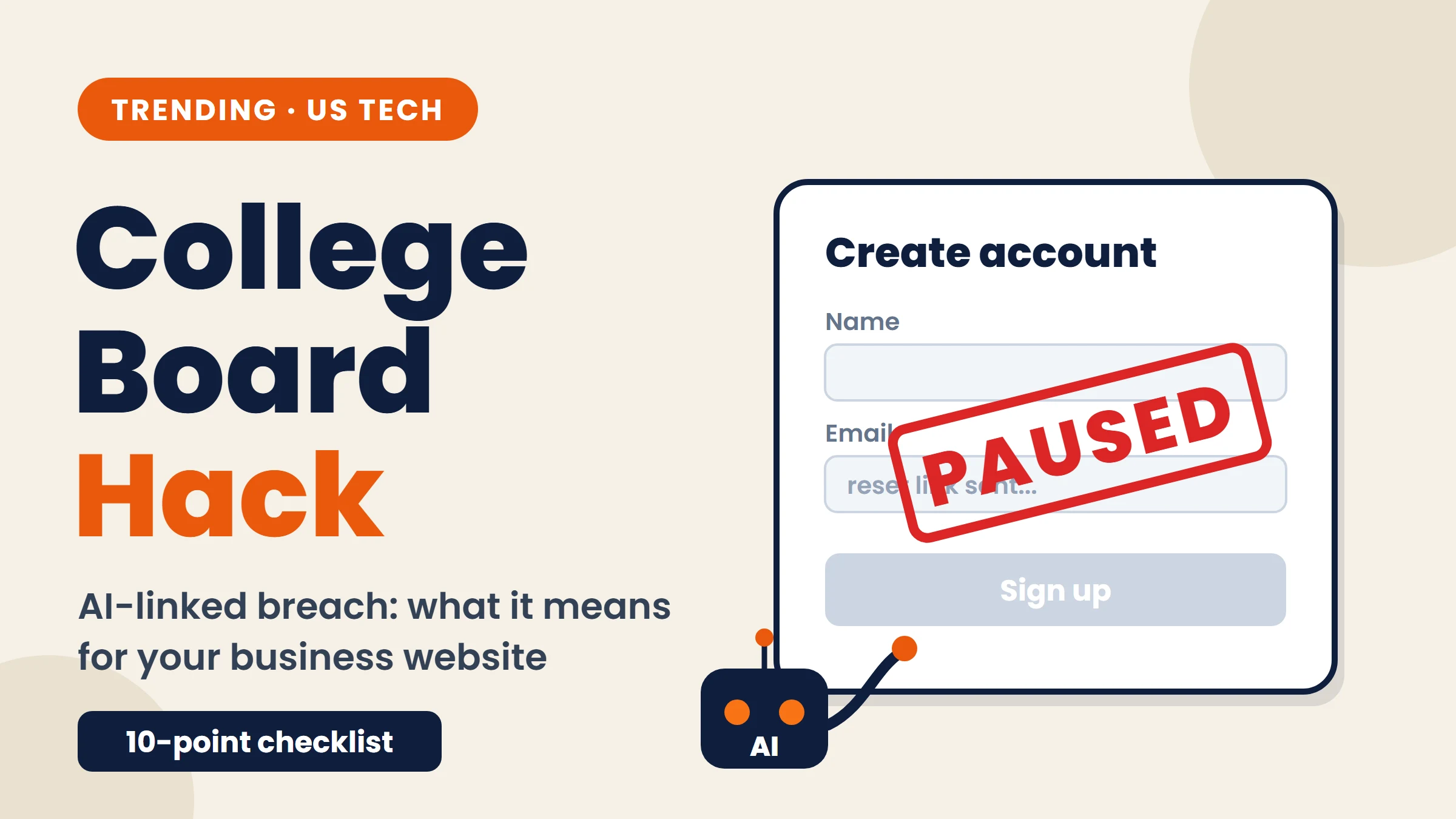
College Board, the US nonprofit behind the SAT and the CSS Profile financial aid form, said on Friday 27 November 2026 that it had found unauthorised activity on its systems. In its statement it said: "While our investigation is ongoing, we have determined that the activity involved access to the systems students and professionals use to create new College Board accounts and to submit CSS Profile applications for financial aid."
It said the attack appeared to involve "sophisticated AI tools", and a spokesperson said: "We have notified the FBI and will continue to work closely with them." The timing is hard for families: the CSS Profile is used by many US colleges for their own financial aid, and the breach landed during the final weeks of the application season.
As of 30 November 2026: CSS Profile and new account sign-ups are paused, existing users can still access their profiles, and College Board has not said when everything will be back. Check College Board's own updates for the latest status.
What data was exposed, and what was not?
Early reports on smaller sites name a specific AI tool and a separate vendor breach. College Board's published statement does not confirm those details, so we have left them out until they are confirmed.
| Item | What College Board has said so far |
|---|---|
| Systems involved | New account creation, and the system used to submit CSS Profile applications |
| Accounts affected | A "small subset" of its millions of user accounts. No exact number yet |
| Data exposed | Basic account information such as names and email addresses |
| Attacker actions | Started password resets on accounts |
| Test scores and content | "No evidence of improper access" to its repository of test scores and content |
| Financial aid details | Still being assessed. CSS Profile applications can include family income and tax details |
| Law enforcement | FBI notified |
How are AI tools changing cyberattacks?
College Board has not explained exactly how the attackers got in, so the points below describe the general trend, not this specific attack. What has changed in 2026 is speed and scale. Tasks that once took a skilled attacker days can now be scripted and run by AI agents in hours:
The takeaway: a big brand with a security team was hit through its account system. A small business site with a login, a customer portal or a WordPress admin has the same type of door, often with fewer locks.
- Finding weak spots faster: AI helps scan sign-up, login, reset and API endpoints for missing limits and logic mistakes.
- Credential stuffing at scale: leaked email and password pairs from other breaches are tried on your login page, with traffic that looks more human and gets past simple blocks.
- Abusing password reset flows: if reset links are guessable, do not expire, or confirm which emails exist, attackers can take over accounts.
- Better phishing: exposed names and emails are used for convincing, error-free follow-up emails, for example fake "verify your account" messages.
Why should a small business website owner care?
Most business websites now have at least one account system: a WordPress or CMS admin, a customer or client portal, an online shop checkout, a booking form, or an email login on the same domain. Automated attacks do not choose targets by size. They test every site they can reach, and a small site with weak login protection is easier to break than a large one.
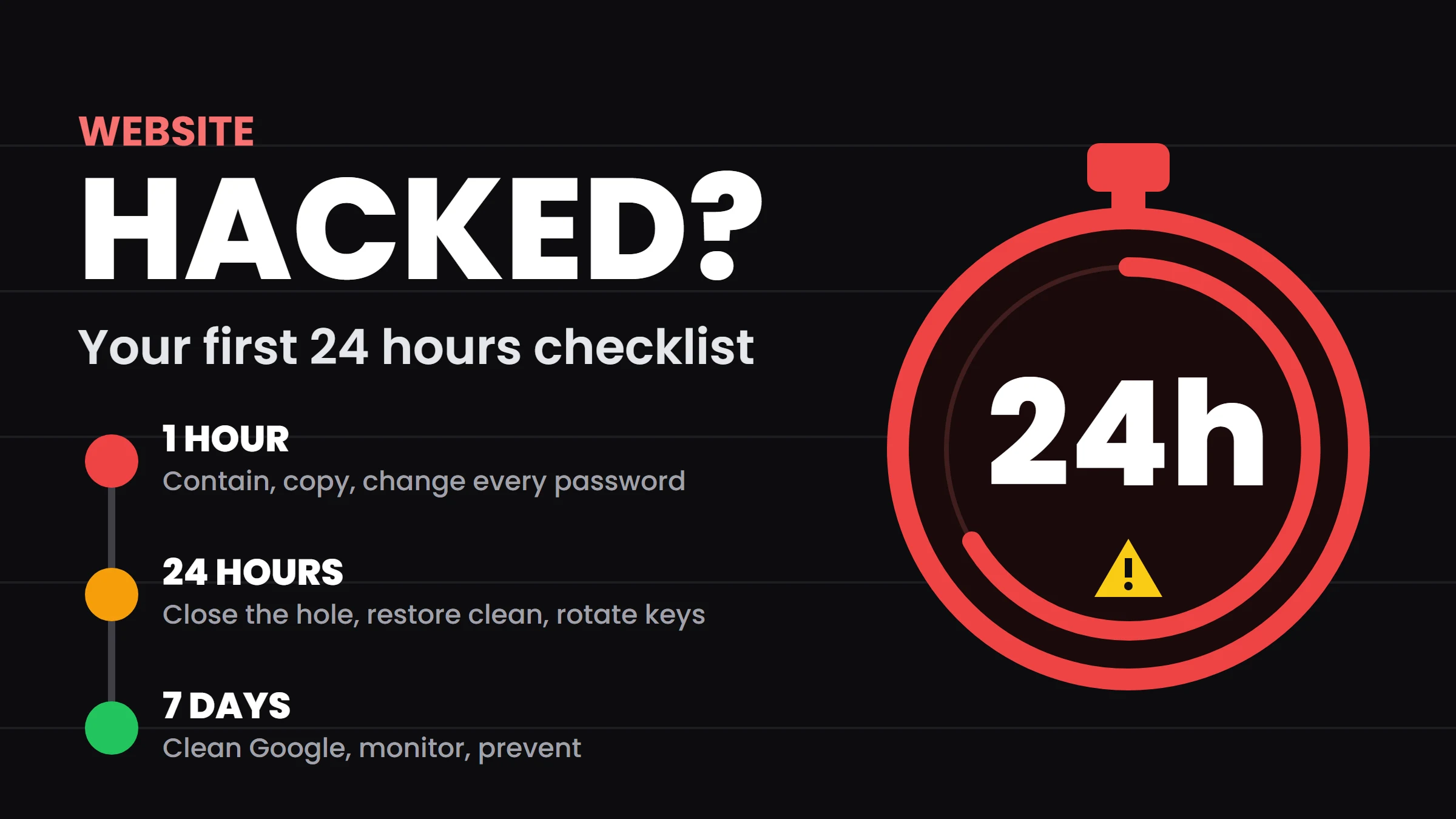
The cost is not only data. A hacked site can be used to send spam from your domain, add spam pages to Google, or redirect your visitors. If that has already happened to you, follow our website hacked first 24 hours checklist.
What is the 10-point security checklist for my website?
| # | Check | Why it matters now |
|---|---|---|
| 1 | Turn on two-factor login (2FA) for every admin, hosting panel, domain registrar and email account | Stops most attacks that use stolen or guessed passwords |
| 2 | Add rate limits and lockouts on login, sign-up and password reset pages | Slows down automated, AI-driven attempts |
| 3 | Put bot protection (a CAPTCHA or a challenge) on sign-up, contact and reset forms | Blocks mass fake sign-ups and form abuse |
| 4 | Make password reset links single use and short lived, and show the same message whether an email exists or not | Prevents account takeover and email guessing |
| 5 | Send an email alert to users on new sign-in, password change or reset request | Users spot misuse quickly |
| 6 | Update core software, plugins, themes and PHP every month, and the same day for critical fixes | Old software is still the easiest way in |
| 7 | Store only the data you really need, and never keep ID numbers or tax documents in plain files on the web server | Less data stored means less damage if breached |
| 8 | Review admin users and API keys, and remove old staff, agencies and unused integrations | Forgotten accounts are open doors |
| 9 | Keep daily backups off the server and test a restore | Fast, clean recovery if the worst happens |
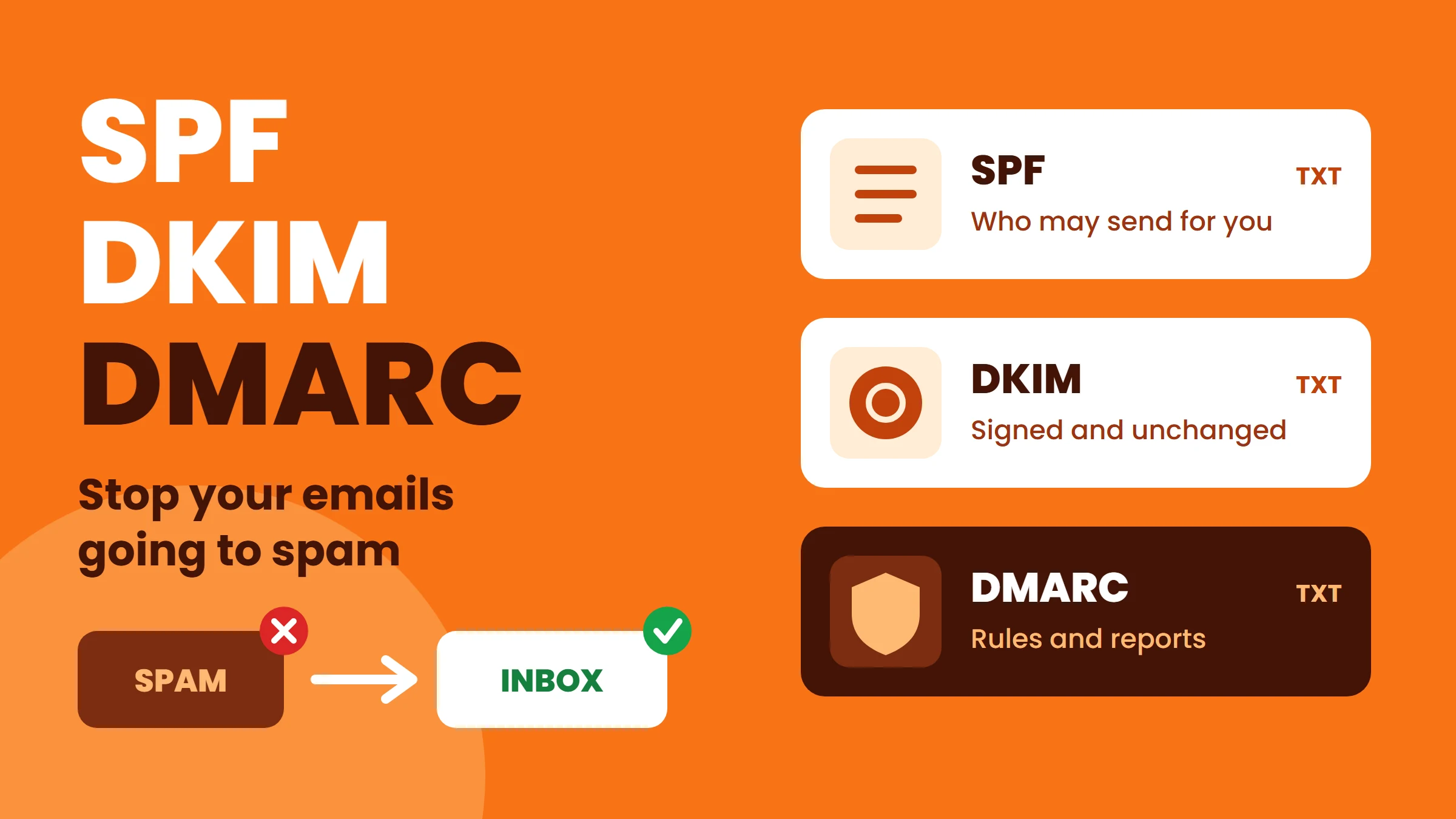
| 10 | Set up SPF, DKIM and DMARC on your domain | Makes it harder to send phishing emails that pretend to be you |
How do I protect my login and sign-up pages from bots?
- Limit attempts per IP address and per account, for example a short lockout after several failed logins, and log every failure.
- Challenge suspicious traffic with a privacy-friendly CAPTCHA or challenge on sign-up, login after failures, and password reset.
- Check new passwords against known leaked lists so users cannot pick a password that is already public.
- Use a web application firewall from your host or CDN to block known bad traffic before it reaches your site.
- Watch for spikes in sign-ups, reset requests or failed logins. A sudden jump is often the first sign of an automated attack.
What should students and parents do right now?
- Watch out for phishing: be careful with any email about College Board, CSS Profile or financial aid. Go to the official site yourself instead of clicking links.
- Change your password if you reuse your College Board password anywhere else, and turn on two-factor login on your email.
- Contact each college's financial aid office if you have a CSS Profile deadline coming up, and ask about their plan while the form is paused.
- Never share codes or passwords with anyone who contacts you, even if they say they are from College Board.
Is my business email at risk after a breach like this?
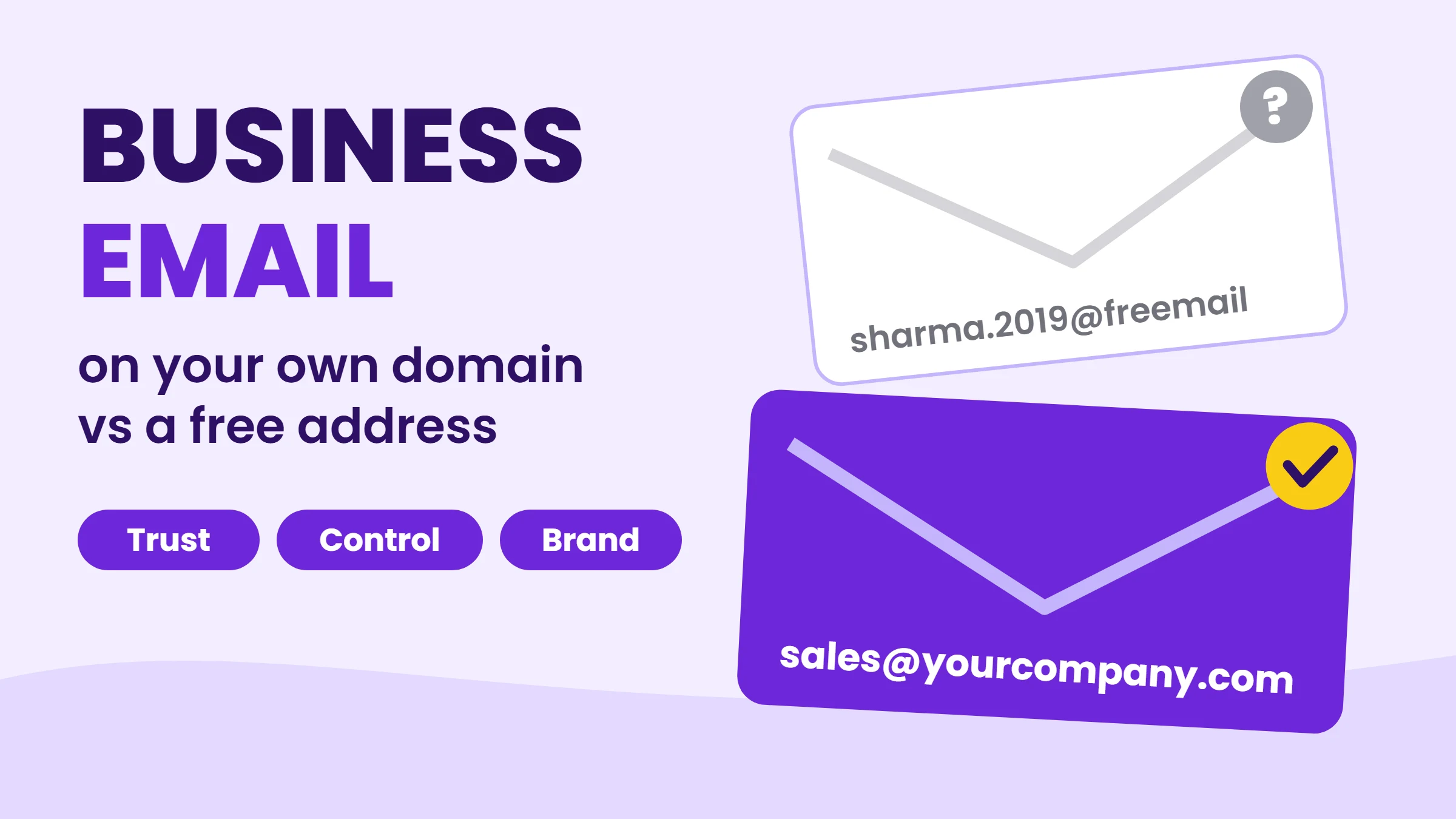
Exposed names and email addresses are mainly used for phishing. Attackers also send fake emails that look like they come from trusted brands, and that includes small businesses. Protect your domain with SPF, DKIM and DMARC (see our plain-words guide) and use email on your own domain instead of a free address (see own domain email vs Gmail), so customers can tell your real emails from fake ones.
FAQ
Conclusion
The College Board breach is a clear 2026 lesson: attackers, now helped by AI, go straight for account systems such as sign-up, login and password reset. You do not need a big security team to close the most common doors. Two-factor login, rate limits, bot protection, monthly updates and tested backups stop most automated attacks. Run the 10-point checklist this week, and if you want a second pair of eyes, we are happy to help.
We will update this post if College Board confirms more details.
Sources and further reading
- Fox News: College Board cyberattack exposes user data, disrupts CSS Profile access — Report quoting the College Board statement and spokesperson (28 November 2026).
- NPR: College Board says hackers likely used AI to access student accounts — News report from 29 November 2026.
- CISA: Require multifactor authentication — US government guidance on two-factor login.
- OWASP: Credential stuffing — How automated login attacks with leaked passwords work.
- OWASP: Forgot password cheat sheet — How to build a safe password reset flow.
- FTC: How to recognize and avoid phishing scams — Spotting fake follow-up emails after a breach.