Why do my business emails go to spam?
Anyone can type any "From" address into an email. Spammers use this all the time to pretend to be banks, couriers and businesses like yours. So big mailbox providers now check whether an email really comes from the domain it claims, and they send unproven mail to spam or reject it.
If your domain has no SPF, DKIM or DMARC records, or the records are wrong, your genuine quotes and invoices look exactly like those fakes.
- Missing or incorrect SPF, DKIM or DMARC records (the most common cause).
- Two SPF records on one domain, or an SPF record with too many lookups.
- A website contact form or software sending mail "from" your domain through a server not listed in SPF.
- Bulk promotions sent from your everyday mailbox, which damages its reputation.
- A server IP on a blacklist, often after a hacked website sent spam.
What are SPF, DKIM and DMARC in simple words?
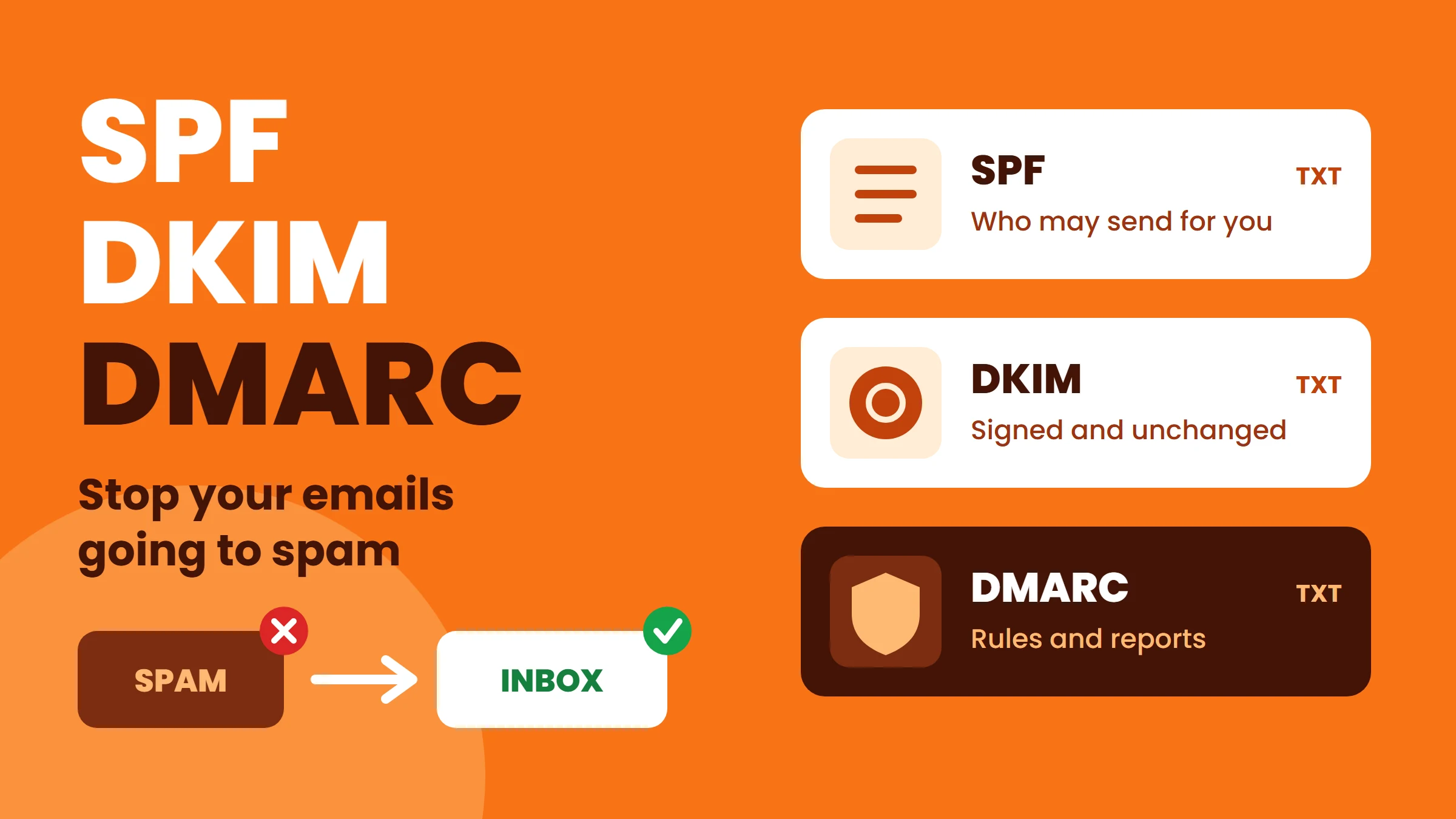
You need all three. SPF and DKIM prove where an email came from; DMARC ties that proof to the address your customer actually sees, and tells providers to block fakes.
| Record | Simple meaning | What it checks | Where it lives |
|---|---|---|---|
| SPF | The guest list | Is the sending server allowed to send for this domain? | TXT record on yourdomain.com |
| DKIM | The wax seal | Was the email signed by the domain and left unchanged? | TXT record on selector._domainkey.yourdomain.com |
| DMARC | The house rules | Does SPF or DKIM pass for the visible From domain? If not, what should happen? | TXT record on _dmarc.yourdomain.com |
What do Gmail, Yahoo and Outlook require from senders?
Gmail and Yahoo introduced these rules in February 2024. Microsoft started enforcing SPF, DKIM and DMARC for high-volume senders to Outlook.com, Hotmail and Live addresses in May 2025. Even if you send only a few emails a day, setting up all three is the simplest way to stay out of spam everywhere.
| Requirement | All senders | Bulk senders (around 5,000+ emails a day to one provider) |
|---|---|---|
| SPF or DKIM | At least one | Both SPF and DKIM |
| DMARC | Recommended | Required (policy can start at p=none) |
| From domain aligned with SPF or DKIM | Recommended | Required |
| Valid reverse DNS for sending IP | Required | Required |
| Encrypted connection (TLS) | Required | Required |
| Low spam complaint rate | Keep under 0.3% | Keep under 0.3%, ideally under 0.1% |
| One-click unsubscribe | Not required | Required for marketing email |
How do I set up SPF?
SPF is one TXT record on your main domain. It lists your mail server and any services that send email for you (your email provider, website contact forms, billing or CRM software, newsletter tools).
Example for a domain that sends from its hosting server and one email service:v=spf1 a mx include:_spf.mailprovider.example ~all
- Only one SPF record per domain. If you add a new service, edit the existing record; never add a second one.
- Maximum 10 DNS lookups: every
include,aandmxcounts. Remove services you no longer use. - End with
~all(soft fail) while testing. Move to-allonly when you are sure every sender is listed. - Your email provider gives you the exact
includevalue to use.
How do I set up DKIM?
On cPanel hosting, open Email, Email Deliverability. It shows whether SPF and DKIM are valid for each domain and offers a Repair button that creates the correct records when your DNS is on the same server.
- Your email service creates a key pair. The private key stays on the mail server; the public key goes in your DNS.
- Add the public key as a TXT record at
selector._domainkey.yourdomain.com. The selector name (for exampledefaultorgoogle) comes from your provider. - Turn on DKIM signing in the email service, if it is not automatic.
- Repeat for every service that sends mail as your domain, each with its own selector.
How do I set up DMARC?
DMARC is one TXT record at _dmarc.yourdomain.com. Start in monitoring mode, read the reports, then tighten the policy step by step.
Step 1, monitor:v=DMARC1; p=none; rua=mailto:dmarc-reports@yourdomain.com
Step 2, after a few weeks of clean reports:v=DMARC1; p=quarantine; pct=100; rua=mailto:dmarc-reports@yourdomain.com
Step 3, full protection:v=DMARC1; p=reject; rua=mailto:dmarc-reports@yourdomain.com
- p=none only collects reports. Nothing is blocked, so it is safe to start.
- p=quarantine sends failing mail to spam.
- p=reject blocks failing mail completely, the strongest protection against people faking your domain.
- Reports arrive as XML files. A free DMARC report reader makes them easy to understand.
How do I test SPF, DKIM and DMARC?
- Send an email from your business address to a Gmail account.
- Open it, click the three dots, then Show original.
- Check the top lines: SPF: PASS, DKIM: PASS and DMARC: PASS, each with your domain.
- Repeat for every system that sends as your domain: website forms, billing software, CRM, newsletter tool.
- If you send larger volumes to Gmail users, register your domain in Google Postmaster Tools to watch spam rate and reputation.
| Result | Likely cause | Fix |
|---|---|---|
| SPF: FAIL or SOFTFAIL | Sending server not in SPF | Add the service's include to your one SPF record |
| SPF: PERMERROR | Two SPF records or more than 10 lookups | Merge into one record, remove unused includes |
| DKIM: FAIL or none | Key missing in DNS or signing off | Add the TXT record and enable signing |
| DMARC: FAIL | SPF and DKIM pass, but for a different domain than the From address | Send through a service that signs with your own domain |
FAQ
Conclusion
Spam filters are not personal: they simply cannot tell your real emails from fakes unless your domain proves it. Add one SPF record that lists every sender, turn on DKIM for each service, publish DMARC starting at p=none, and test with Show original. Your quotes and invoices land in the inbox, and nobody can easily fake your domain.