Why does a business need email on its own domain?
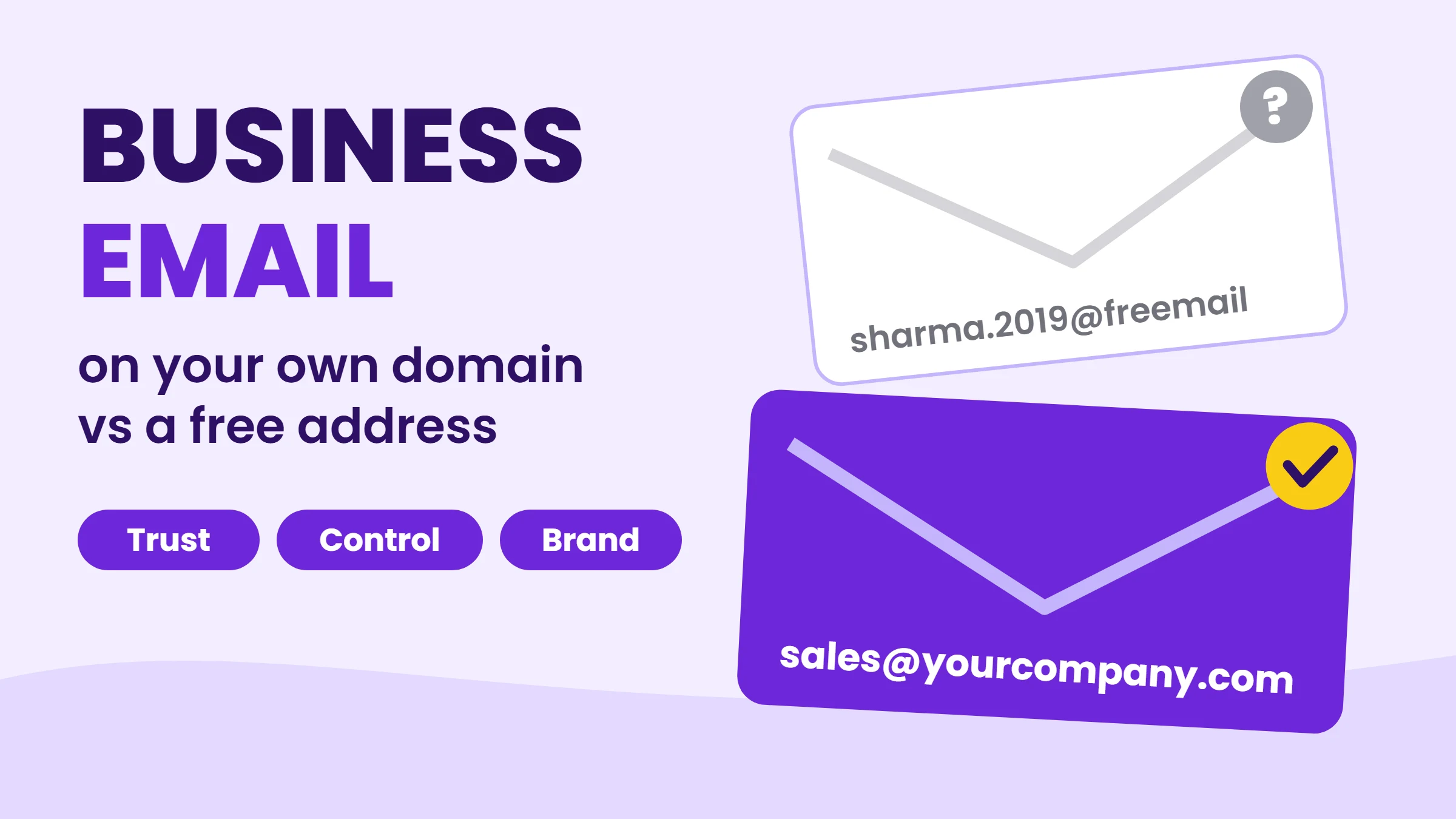
When a customer gets a quote from sharma.traders2019@gmail.com, they have to trust a stranger. When the same quote comes from accounts@sharmatraders.in, it carries the name of a real business with a real website. That small difference affects whether people reply, pay and recommend you.
- Trust: customers, banks and partners take domain email more seriously, and some tenders and B2B portals ask for it.
- Brand: every email you send repeats your business name and website.
- Control: the business owns the addresses. When an employee leaves, you keep the mailbox, its history and the contacts.
- Role addresses: sales@, support@ and accounts@ can move between people without changing what customers see.
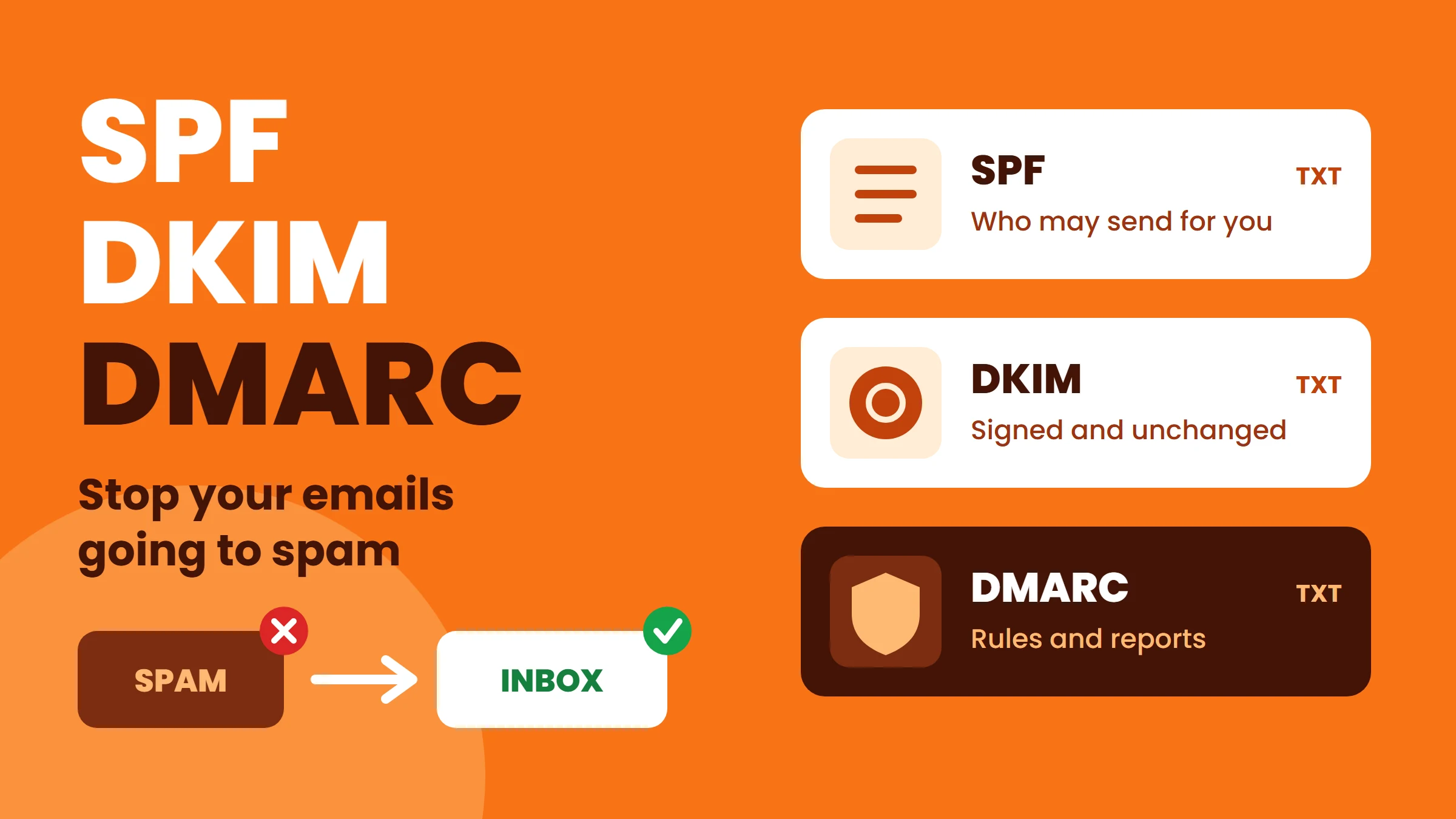
- Deliverability: with SPF, DKIM and DMARC set up on your own domain, providers can confirm your emails are genuine.
Business email vs free Gmail: what is the difference?
The address is what matters most. Once your email is on your own domain, you can change the provider behind it later and nobody outside the business notices.
| Free Gmail address | Email on your own domain | |
|---|---|---|
| Looks like | yourname@gmail.com | yourname@yourcompany.com |
| Customer trust | Low for business use | High |
| Who owns the account | The person who created it | The business |
| When staff leave | Mail and contacts can leave with them | You keep or reassign the mailbox |
| Sender authentication | Shared gmail.com domain | Your own SPF, DKIM and DMARC |
| Role addresses (sales@, info@) | Separate free accounts | Easy aliases and forwarders |
| Switching provider later | Address changes | Same address, just move the mail |
Hosting email vs Google Workspace vs Microsoft 365: which type do I need?
Domain email comes in two main forms. Both use your own address; the difference is what comes with the mailbox.
| Hosting email (cPanel and similar) | Cloud office suite (Google Workspace, Microsoft 365) | |
|---|---|---|
| Best for | Small teams that mainly send and receive mail | Teams that share documents, calendars and video calls all day |
| Mailbox storage | Shared from your hosting space | Large mailbox per user |
| Apps | Webmail plus any mail app (phone, Outlook, Thunderbird) | Full office suite, shared drives, calendars, meetings |
| Admin | Simple, managed in your hosting panel | More controls, user management, device policies |
| Cost model | Usually included in or added to hosting | Per user, per month |
| Setup | Create mailboxes in the hosting panel | Point MX records to the provider, then create users |
Which business email option is right for me?
- 1 to 5 people, mostly email and WhatsApp: hosting email on your domain is usually enough. Add aliases such as info@ and sales@ that forward to the right person.
- Growing team that works in shared documents and calendars: a cloud office suite saves time and gives every user large storage.
- Mix of both: you can keep a few cloud suite users for the office team and hosting mailboxes for roles that only need mail, as long as the setup is planned carefully.
- Sending newsletters or bulk mail: do not send bulk campaigns from your normal mailbox. Use a proper email marketing service on a sub-domain so your everyday mail keeps a clean reputation.
How do I set up business email on my domain?
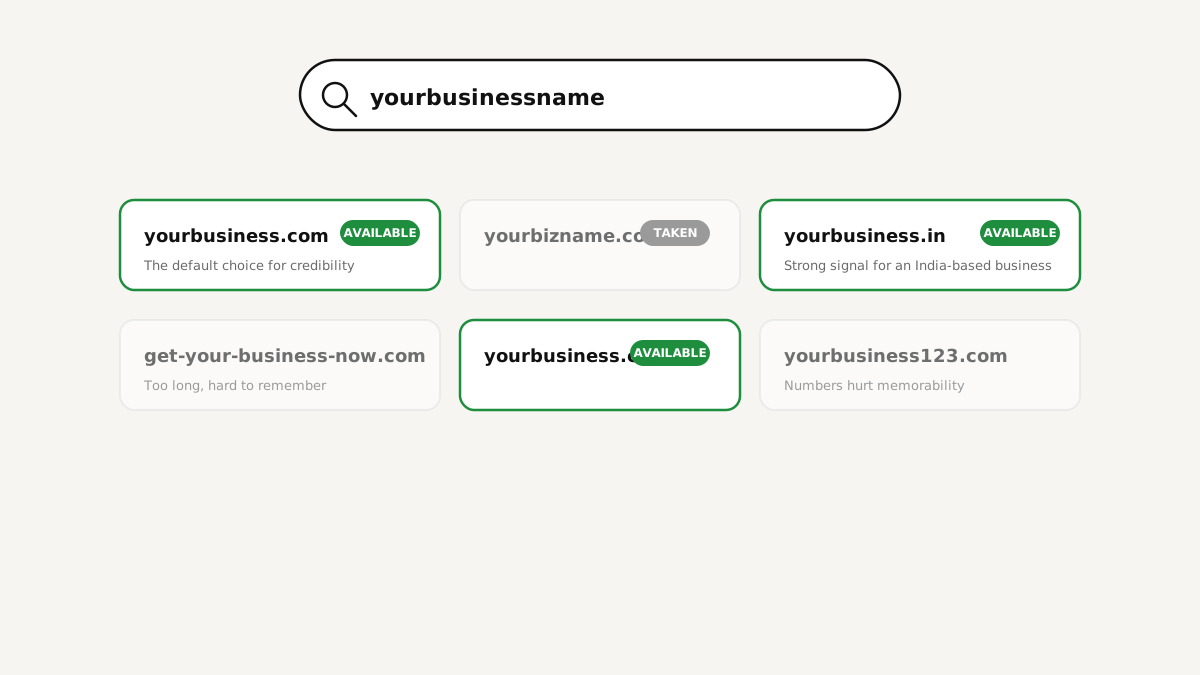
- Own a domain. If you do not have one yet, read how to choose a domain name. Keep the domain in the business's name and account.
- Choose the email type (hosting email or a cloud suite) using the table above.
- Create the mailboxes for people (name@) and decide which role addresses (info@, sales@, accounts@) are aliases or shared mailboxes.
- Point the MX records of your domain to the chosen mail service. Hosting email on the same server usually sets this automatically.
- Add SPF, DKIM and DMARC DNS records so receivers can trust your mail. Our guide on SPF, DKIM and DMARC shows each record.
- Connect your devices: phone mail app, laptop and webmail, using the secure (SSL/TLS) settings.
- Move old mail from the previous account if you need the history, then set a forwarder from the old address for a few months.
- Test: send to a Gmail and an Outlook address and check that the message arrives in the inbox, not spam.
Common business email mistakes to avoid
- Registering the domain in an employee's or agency's personal account. Always keep it in the business's name.
- Changing MX records without moving existing mail first, which can make mail "disappear" for a day.
- Skipping SPF, DKIM and DMARC, then wondering why quotes go to spam.
- Sharing one password among the whole team instead of separate mailboxes or aliases.
- Sending bulk promotions from the same mailbox you use for customers.
FAQ
Conclusion
A free email address is fine for personal use, but your business deserves its own name in every inbox. Put your email on your domain, pick hosting email or a cloud suite based on how your team works, and set up SPF, DKIM and DMARC from the first day. You get more trust, full control and an address that grows with the business.