What is ChatGPT Business Hub?
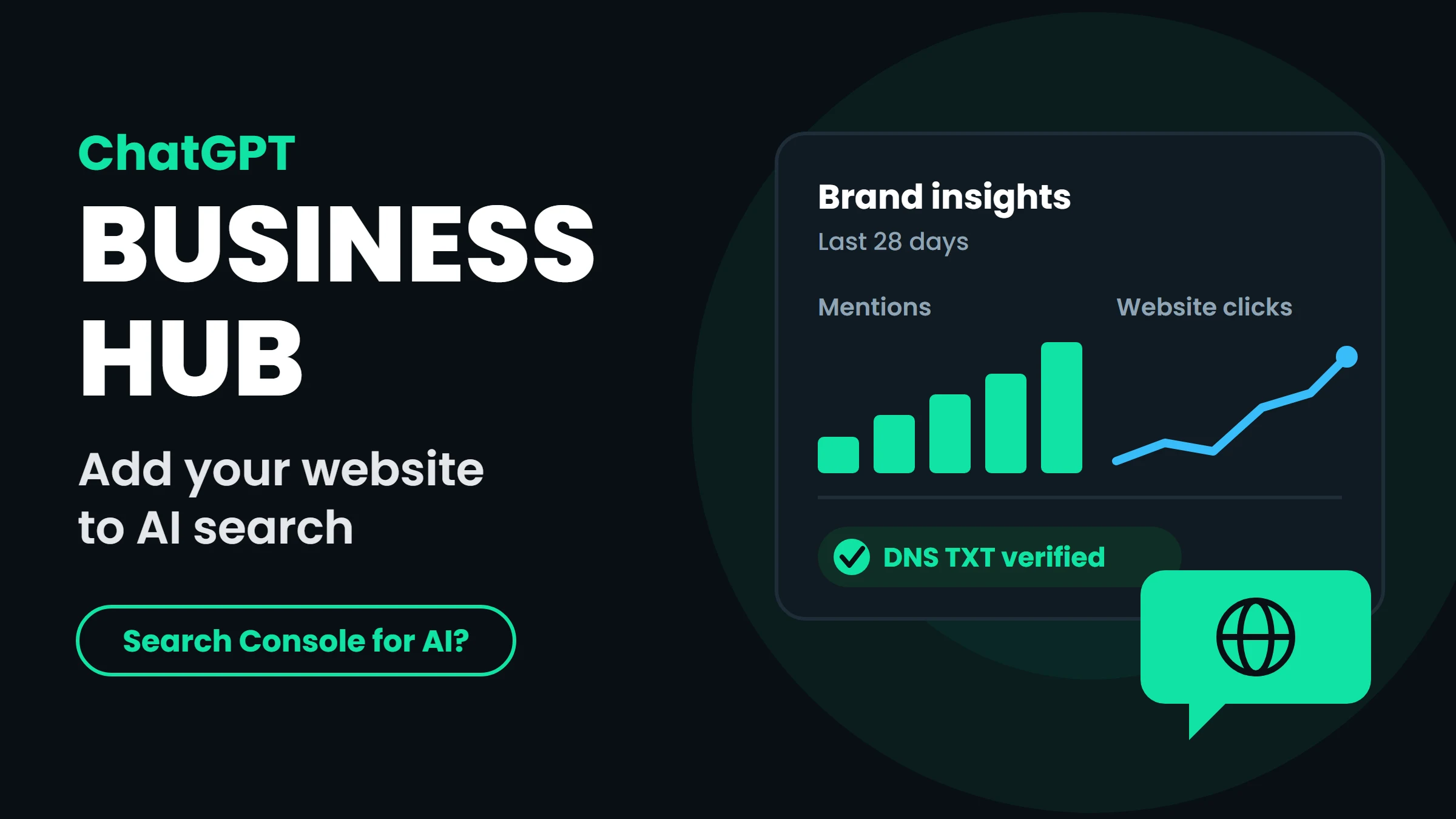
Business Hub is the reporting and management portal of Businesses in ChatGPT, a beta program OpenAI opened on 10 November 2026. A business owner (or someone authorised by the owner) can claim the business inside ChatGPT, correct its public details, add product feeds with prices and stock for online stores, and see insights about how ChatGPT talks about the business.
Because it is the first place where a website owner can see any numbers about ChatGPT visibility, many SEO writers quickly called it a kind of Search Console for ChatGPT. That comparison is useful but loose, as the table below shows.
- Mentions: how often ChatGPT mentions your business. For an online business, OpenAI counts a mention only when ChatGPT references your website, not your brand name alone.
- Website clicks: clicks on links to your website from ChatGPT. OpenAI notes that clicks do not confirm visits or conversions.
- Discovery topics: broad themes of the conversations where your business appears.
- 7-day and 28-day views, with data shown only above undisclosed volume thresholds. No individual prompts or conversations are shared.
Is Business Hub the same as Google Search Console?
No. Think of it as a profile and visibility report, not a technical SEO tool. Here is how it compares with the two tools you already use.
| Feature | Google Search Console | ChatGPT Business Hub | Bing Webmaster Tools |
|---|---|---|---|
| What it covers | Google Search, including AI features in Search | Mentions of your business in ChatGPT | Bing Search, plus an AI Performance report for Copilot and Bing AI answers |
| Verify ownership | DNS, HTML file, meta tag and more | DNS TXT record (website), phone call or SMS (existing listings), plus ID check | DNS, XML file, meta tag or import from Search Console |
| Submit a sitemap | Yes | No | Yes |
| Indexing and errors report | Yes | No | Yes |
| Search queries | Yes | No (topics only) | Yes, and grounding queries for AI citations |
| Clicks | Yes | Website clicks | Yes for search; AI report shows citations |
| Edit business details | No (that is Google Business Profile) | Yes | No (that is Bing Places) |
| Cost | Free | No fee announced for claiming (beta) | Free |
How do I add my website to ChatGPT Business Hub?
These are the steps as they appeared in the first week of the beta. Screens may change, so follow OpenAI's own setup guide (linked at the end) if anything looks different.
Use exactly the same business name, address, phone and email as on your website and Google Business Profile. Matching details everywhere is what makes AI tools confident they have the right business.
- Sign in to ChatGPT with the account that will manage the business, and open Business Hub (chatgpt.com/business-hub).
- Search for your business. If ChatGPT already knows it, select the listing and claim it. If not, choose to create a new profile.
- Choose how customers interact with you. If you mainly serve customers through your website, choose the online option. At launch, new physical location profiles were sent to a waitlist.
- Verify your domain. ChatGPT shows a TXT record (type, name and value). Add it in your DNS: in cPanel this is Zone Editor, at a registrar it is the DNS settings page. Wait a few minutes, then click verify.
- Pick your business category and add a short, factual description of what you do and where.
- Add a business email and phone number, and answer the delivery and returns questions if they apply to you.
- Verify your identity with a government-issued ID. The check runs through a secure link or QR code on your phone camera.
- Submit. The claim shows "Claim received", then "Review in progress". Check the status on the business overview page.
Why does Business Hub show a waitlist?
If you tried and saw a waitlist, you are not alone. Businesses in ChatGPT is a beta, and OpenAI says eligibility depends on industry, location and its verification and integrity checks. In launch-week tests, creating a new profile for a physical location led to a waitlist, and at least one claim from outside the United States was waitlisted. OpenAI gave no date for when waitlisted businesses will be admitted.
What to do meanwhile: if your business also serves customers online, try the website option instead of the physical location option. If you are still waitlisted, do not wait. Everything in the next section works today and decides whether ChatGPT can find you at all.
How does ChatGPT search actually find my website?
Claiming a profile does not submit your pages to ChatGPT search, and OpenAI says it does not guarantee better placement. ChatGPT search finds pages through its own crawler and third-party search providers. So the real work is technical access and good pages.
| OpenAI crawler | What it does | What to do |
|---|---|---|
| OAI-SearchBot | Finds pages to show in ChatGPT search answers | Allow it. Sites that block it are left out of search answers |
| GPTBot | Collects content that may be used to train AI models | Your choice. Blocking it does not remove you from ChatGPT search |
| ChatGPT-User | Opens a page when a user asks ChatGPT to visit it | Allow it so shared links and user requests work |
ChatGPT search readiness checklist
- robots.txt: make sure
OAI-SearchBotis not disallowed. OpenAI says robots.txt changes take about 24 hours to apply. - Firewall and security tools: a security plugin, CDN bot protection or country block can silently stop OpenAI's crawlers even when robots.txt allows them. Allow OpenAI's published IP ranges.
- Pages in plain HTML: important text, prices, services and links should be in the page source, not loaded only by JavaScript.
- Search engine indexing: verify your site in Bing Webmaster Tools (see our Bing Webmaster Tools setup guide) and Google Search Console, submit your sitemap and fix indexing errors. Pages that search engines cannot find are rarely cited.
- Clear answers: question-style headings, a short direct answer at the top, tables and FAQs. Our guide to AEO and GEO for AI search explains why.
- Consistent business details and schema: the same name, address and phone on your site, profiles and directories, with Organization or LocalBusiness structured data.
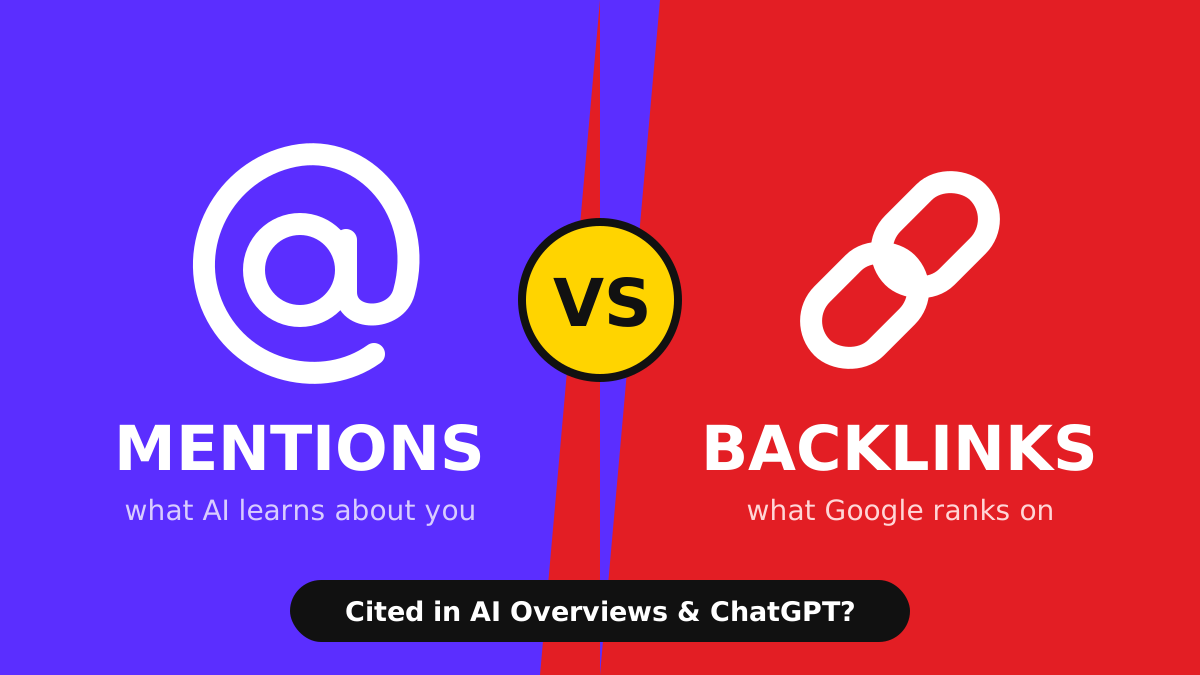
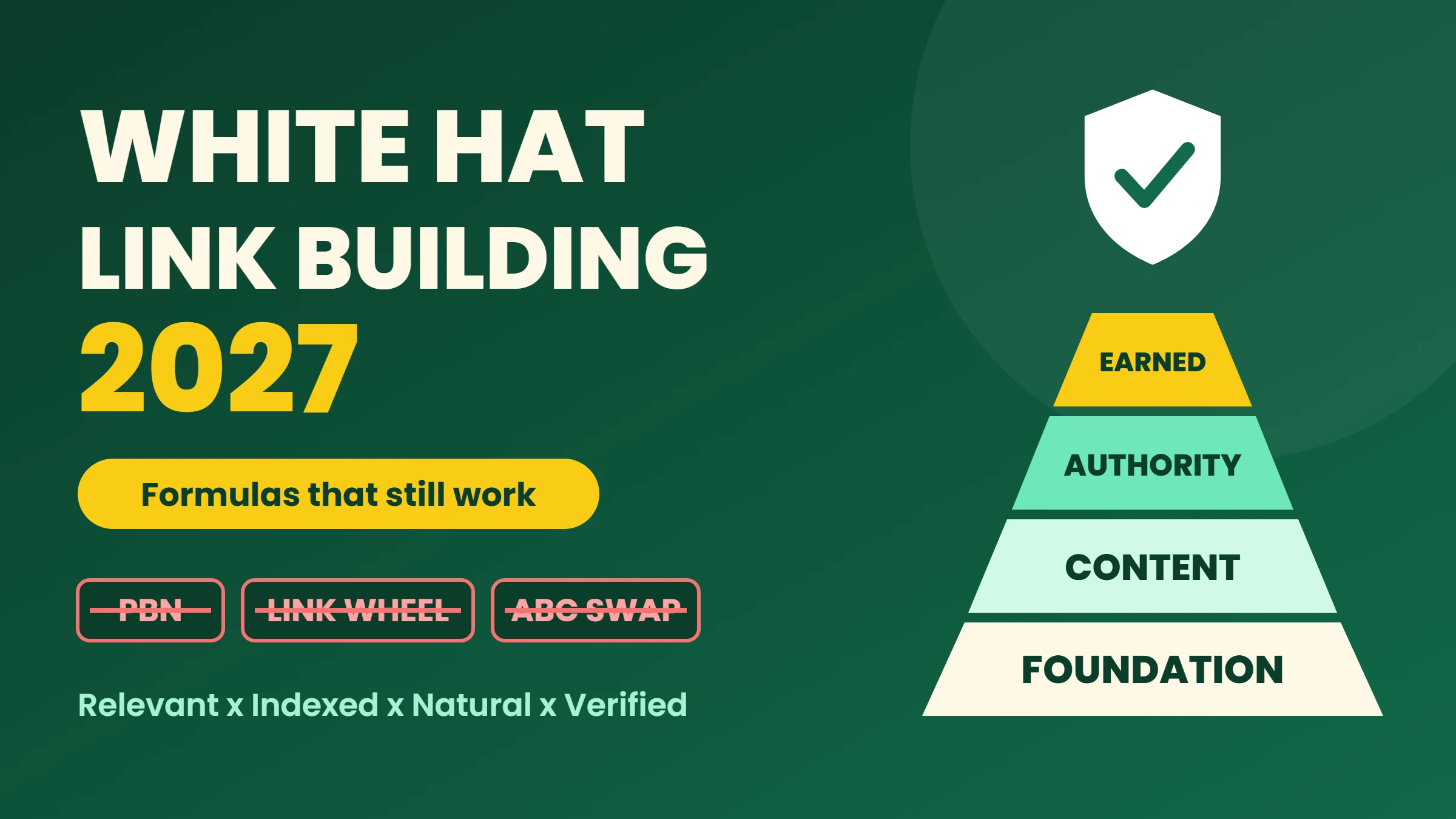
- Reasons to mention you: AI answers lean on what other sites say. Earn real mentions and links (see our white hat link building guide 2027).
How do I track traffic from ChatGPT?
Business Hub shows clicks, but your own analytics shows what visitors did next. ChatGPT usually adds utm_source=chatgpt.com to links it shows, so in Google Analytics 4 open Reports, Acquisition, Traffic acquisition and look for the source chatgpt.com. Compare it with Business Hub clicks: if Business Hub shows clicks but analytics shows few sessions, check page speed and whether your consent banner or firewall is blocking visits.
For Microsoft's side, the AI Performance report in Bing Webmaster Tools shows how often your pages are cited in Copilot and Bing AI answers, and for which grounding queries. Together with Search Console, you now have three free windows into search and AI visibility.
Will claiming my business improve my ChatGPT ranking?
Not directly. OpenAI says ChatGPT still makes its own recommendations, and the mention count only grows when ChatGPT has good reasons to reference your website. Claiming helps ChatGPT show correct information and gives you numbers to measure. Visibility itself still comes from the basics: a crawlable site, useful pages, consistent details, and other websites that mention and link to you. If you build links for that, check that they are live and indexable with our backlink checker.
FAQ
Conclusion
Business Hub is a welcome first step: for the first time, businesses can see how often ChatGPT mentions them and send clicks their way. Claim your profile as soon as you are eligible, but do not wait for the waitlist to clear. Open your site to OAI-SearchBot, keep your pages crawlable and clear, match your business details everywhere, and earn real mentions and links. That is what decides whether ChatGPT finds you in the first place.