What SSL actually does, in plain terms
SSL (Secure Sockets Layer — technically superseded by TLS, but "SSL" is still the term everyone uses) encrypts the connection between a visitor's browser and your website's server. Without it, any data passed between them — a contact form submission, a password, payment details — travels in a form that could theoretically be read or altered by someone intercepting the connection. With SSL, that data is scrambled in a way only your server can properly unscramble.
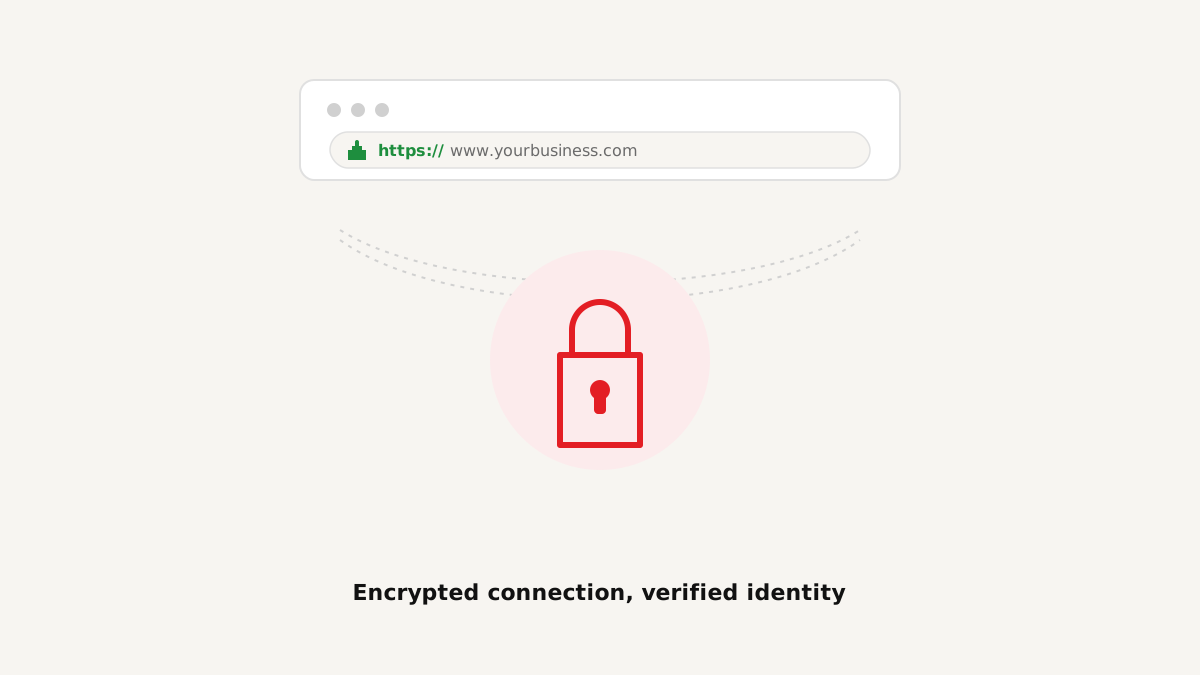
The visible sign of this is the padlock icon in the browser address bar, and the "https://" (the "s" stands for secure) instead of plain "http://" at the start of your URL.
What happens if your site doesn't have it
Modern browsers don't stay quiet about this anymore. A site without SSL gets an explicit "Not Secure" warning in the address bar — visible to every single visitor, on every single page, before they've even looked at your content. For a business site, that's a genuine trust problem: it plants doubt at the exact moment you're trying to build credibility.
Key takeaway: "Not Secure" isn't a technical footnote most visitors ignore — it's a warning shown prominently, right where they're looking, before they've read a word of your content.
Why it matters for SEO too
Google has been explicit that SSL/HTTPS is a ranking signal — not the biggest one, but a real one. An unencrypted site is at a genuine, if modest, disadvantage compared to an otherwise-identical encrypted competitor. Combined with the trust issue above, there's no real upside to skipping it.
Does every website really need it, even a simple brochure site?
Yes — even a site with no forms, no logins, and no payment processing benefits from SSL, for the trust-signal and SEO reasons above. There's no longer a meaningful category of "sites that don't need it." It's standard practice at this point, not an upgrade.
What to check if you're unsure your site has it
Look at your site's address bar right now. If it shows a padlock and "https://," you're covered. If it shows "Not Secure" or plain "http://," that's worth fixing immediately — most reasonable hosting providers include SSL at no extra cost, so if yours doesn't, that's worth a direct question to them.
FAQ
Conclusion
SSL isn't optional anymore — it's a baseline expectation, both from visitors (who see an explicit warning without it) and from Google (which treats it as a ranking factor). If you're not certain your site is fully covered, it's worth a five-minute check.