Why this decision gets made badly, most often
Most local web agencies pick one platform and use it for everything, because it's simpler to maintain one skill set across every client. That's understandable from the agency's side — and it's not a good reason for your business to end up either overbuilt (a simple brochure site running on unnecessary custom infrastructure) or underbuilt (a business tool crammed awkwardly into a content-management system it was never designed for).
What WordPress is actually good at
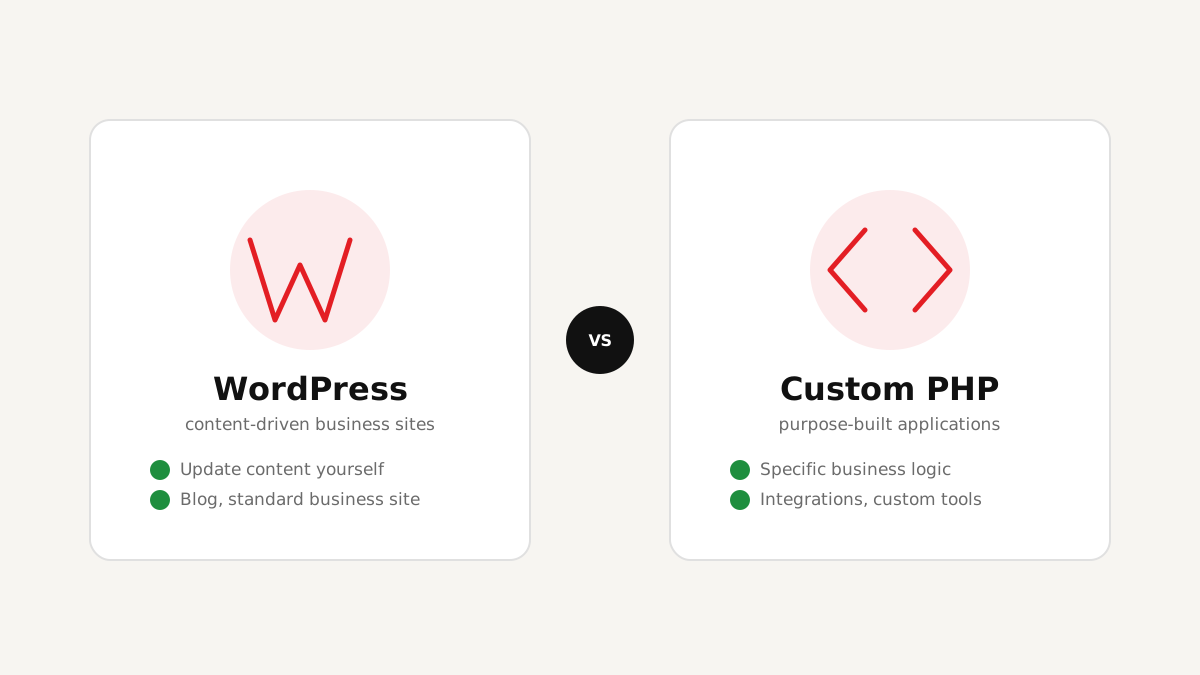
WordPress is mature, well-supported, and genuinely excellent at what it was built for: content-driven sites. If you'll be updating your own content regularly — blog posts, service pages, a portfolio — WordPress gives your team that control without needing a developer for every text change. It also covers most standard e-commerce needs cleanly through WooCommerce. See our WordPress Development page for the specifics.
Where WordPress starts to strain
WordPress is a content management system first — it wasn't designed as a general-purpose application framework, and it shows when a project asks it to be one. Complex booking logic, deep integrations with an existing internal system, unusual product configuration rules, or a lean, purpose-built tool that isn't really a "content site" at all — these are the situations where forcing WordPress to comply usually means stacking plugin on top of plugin, each one a potential point of conflict, slowdown, or security risk.
Key takeaway: WordPress's biggest strength — its huge plugin ecosystem — is also where a lot of "why is my site slow/broken" problems originate when a project has outgrown what the platform was built for.
What custom PHP is actually good at
Custom PHP development means the site or application is built specifically for what your business needs — no plugin compromises, no generic architecture you're working around. It's the right call when a project has specific business logic a generic CMS can't model, needs to integrate tightly with a system you already use, or is genuinely a lean application rather than a content site. See our Custom PHP Development page and E-commerce Development for concrete examples.
The tradeoff is real too: a custom build takes more upfront development time than configuring an existing platform, and content updates typically need a developer rather than a simple content-editor login — unless a proper admin interface is built in as part of the project.
A practical way to decide
Ask these questions honestly about your specific project:
| If your site needs this… | The right fit is usually… |
|---|---|
| Content you'll update yourself regularly | WordPress |
| A standard business site, blog, or WooCommerce store | WordPress |
| Specific business logic a generic CMS can't model | Custom PHP |
| Integration with another system you already use | Custom PHP (usually) |
| A lean, purpose-built application, not a content site | Custom PHP |
FAQ
Conclusion
Neither platform is "better" in the abstract — the honest answer depends entirely on what your specific project needs to do. A good development partner will ask about your actual requirements before recommending a platform, and should be able to explain clearly why one fits your situation better than the other, rather than defaulting to whichever one is easiest for them.