
Why "it looks good" isn't the same as "it's ready to launch"
A site can look completely finished and still have real gaps that only surface after real visitors start arriving — a contact form that silently fails, a missing SSL certificate, a site that breaks on mobile. This checklist covers the things that are easy to skip in the rush to launch, but genuinely costly to discover after the fact.
Technical fundamentals
Before anything else, confirm the basics actually work:
- SSL is active on every page, not just the homepage — check the address bar for a padlock throughout the site. See our post on what SSL actually does.
- The site works properly on mobile — test on an actual phone, not just by resizing a desktop browser window.
- Every internal link actually works — a broken link discovered by a visitor is a worse first impression than a missing page.
- The site loads at a reasonable speed — a slow site loses visitors before they see your content.
The contact form test almost everyone skips
Fill out your own contact form, submit it, and confirm you actually receive the email — not just that the form shows a "thank you" message. A form that submits successfully on screen but silently fails to deliver the email is one of the most common and most damaging pre-launch gaps, because it can go unnoticed for weeks while genuine enquiries quietly disappear.
Key takeaway: "the form submitted without an error" and "the email actually arrived in my inbox" are two different things — test both, every time.
Basic SEO setup
Getting this right at launch is far cheaper than fixing it months later:
- Every page has a real, specific title and meta description — not a default placeholder.
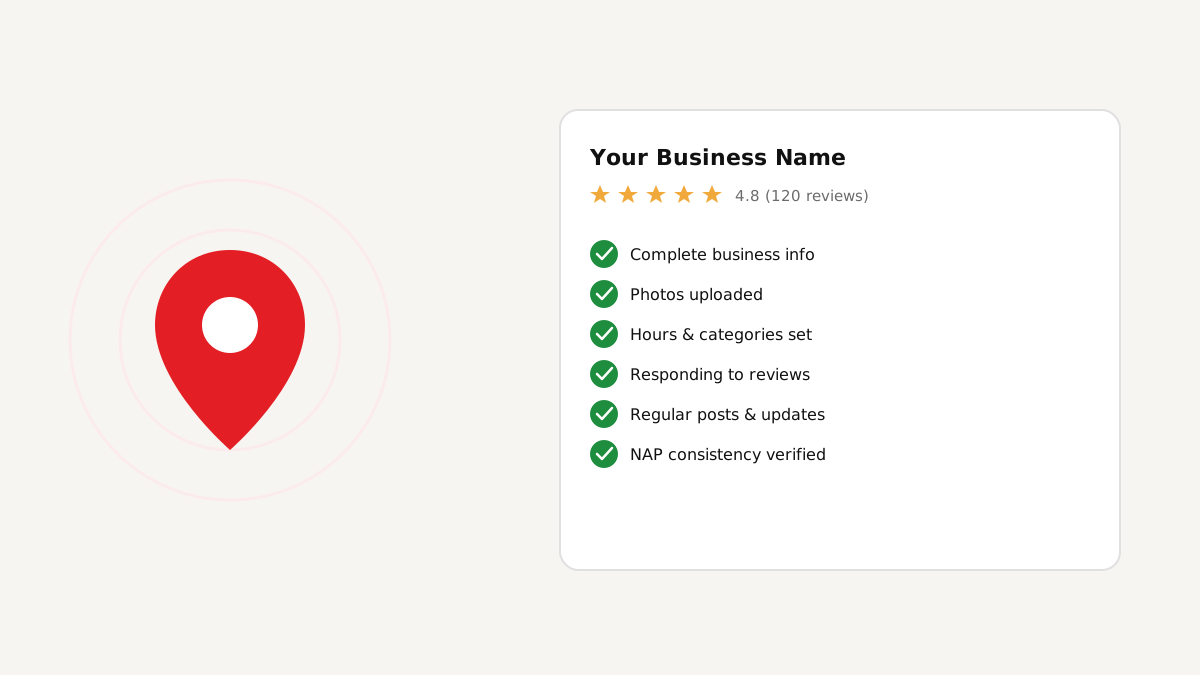
- Your Google Business Profile is claimed and complete — see our local SEO checklist.
- Google Analytics (or an equivalent) is installed before launch, so you have data from day one, not from whenever you remember to add it.
- A basic sitemap exists and is submitted to Google Search Console.
Content accuracy
Double-check the details most likely to be quietly wrong: phone number, email address, and physical address match exactly across every page (see our note on NAP consistency for why this matters). Confirm pricing or service information is current, not left over from an earlier draft. Check that any client names, testimonials, or claims on the site are ones you're actually authorized to use.
After launch: who's responsible for what
Launch isn't the finish line — decide upfront who handles routine updates, who gets alerted if the site goes down, and what the plan is if something breaks. Sorting this out before launch, not scrambling to figure it out after an issue, is the difference between a minor hiccup and a real problem.
FAQ
Conclusion
Most of what causes trouble after launch isn't a design problem — it's one of these easy-to-skip technical and content details. Working through this list before you go live catches the issues that are cheap to fix now and expensive to discover later.